Introduction
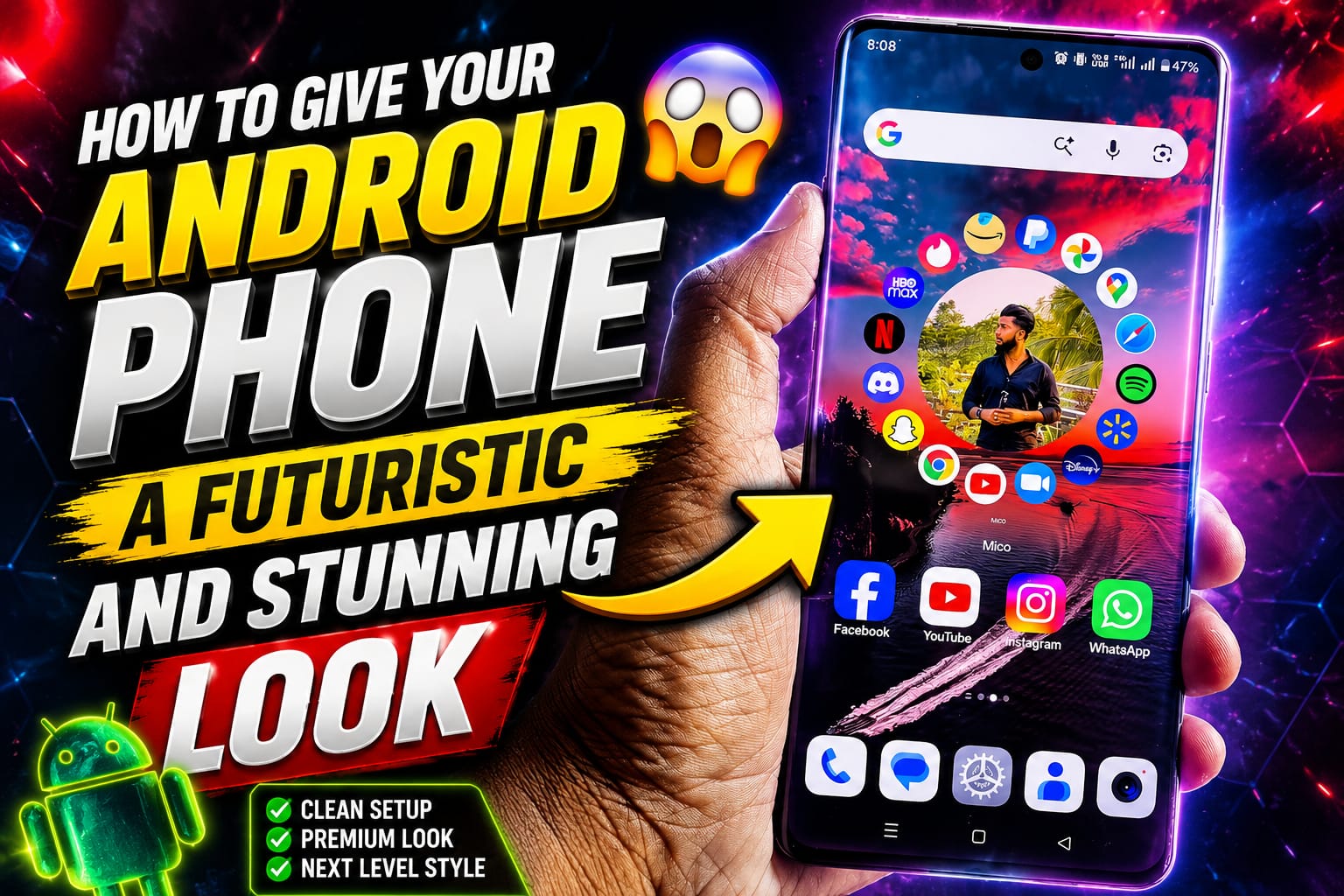
Have you ever seen an Android phone that looks so modern and futuristic that it feels like a device from the future? The good news is that you don’t need to buy a new smartphone to achieve that look. With the right customization tools, launchers, widgets, wallpapers, and settings, you can completely transform your Android phone into a futuristic masterpiece.
Android is known for its flexibility and customization options. Whether you want an iPhone-style interface, a cyberpunk-inspired theme, a transparent UI, or a clean futuristic design, Android gives you the freedom to personalize every aspect of your device.
In this guide, we’ll show you how to give your Android phone a futuristic and stunning look using free and premium customization techniques.
Why Customize Your Android Phone?
Customizing your Android phone offers several benefits:
- Creates a unique and personal appearance
- Improves user experience
- Makes your phone look modern and premium
- Enhances productivity with useful widgets
- Gives older devices a fresh new feel
Instead of using the default Android interface, you can create a smartphone setup that stands out from the crowd.
Step 1: Install a Futuristic Android Launcher
The launcher controls your home screen, app drawer, icons, and animations. Choosing the right launcher is the foundation of a futuristic Android setup.
Best Android Launchers for a Futuristic Look
Nova Launcher
Nova Launcher remains one of the most popular Android launchers because of its customization capabilities.
Features:
- Smooth animations
- Custom icon packs
- Gesture controls
- Hidden apps
- Modern home screen layouts
Niagara Launcher
Niagara Launcher offers a minimalist futuristic design.
Benefits:
- One-handed usability
- Clean interface
- Fast performance
- Minimal distractions
Smart Launcher 6
Smart Launcher automatically organizes apps and delivers a sleek modern appearance.
Features:
- Adaptive icons
- AI-powered app categorization
- Elegant themes
- Smooth transitions
Step 2: Use Futuristic Icon Packs
Icons play a major role in transforming your phone’s appearance.
Best Futuristic Icon Packs
Delta Icon Pack
A clean and modern icon pack with soft colors.
LineX Icon Pack
Perfect for users who prefer neon and cyberpunk-inspired designs.
Whicons
Minimal white icons that create a premium futuristic aesthetic.
Pix Material You Icons
Inspired by Google’s modern Material You design language.
Step 3: Apply High-Tech Wallpapers
A futuristic wallpaper instantly changes the visual appeal of your smartphone.
Popular Futuristic Wallpaper Styles
- Cyberpunk cityscapes
- Neon technology backgrounds
- Space and galaxy themes
- AI-inspired digital artwork
- Transparent interface wallpapers
- Holographic designs
- Sci-fi landscapes
Best Wallpaper Apps
- Walli
- Zedge
- Backdrops
- AMOLED Wallpapers
- Resplash
Choose high-resolution wallpapers for the best visual experience.
Step 4: Add Modern Widgets
Widgets make your phone look both futuristic and functional.
Recommended Widget Apps
KWGT Kustom Widget Maker
KWGT is one of the most powerful customization tools available.
You can create:
- Futuristic clocks
- Battery indicators
- Weather panels
- Music controls
- Calendar widgets
Chronus
Offers stylish widgets with weather, news, and calendar integration.
Futuristic Widget Ideas
- Transparent clock widgets
- Minimal battery displays
- AI-style dashboards
- Neon weather widgets
- Animated information panels
Step 5: Enable Dynamic Wallpapers
Static wallpapers are great, but live wallpapers create a futuristic effect.
Best Live Wallpaper Apps
- Walloop
- 3D Parallax Background
- Forest Live Wallpaper
- Muzei
These apps add movement and depth to your home screen.
Step 6: Customize the Control Center
Many Android users want a modern control center similar to premium flagship devices.
Apps such as:
- Mi Control Center
- Control Center Android
- Power Shade
allow you to customize:
- Quick settings
- Notification panel
- Brightness sliders
- Modern animations
The result is a sleek and futuristic interface.
Step 7: Use Animated Charging Effects
Charging animations add a premium touch to your smartphone.
Popular Charging Animation Apps
- Charging Animation
- Pika Charging Show
- Battery Charging Animation
Features include:
- Neon charging effects
- 3D battery visuals
- Futuristic energy animations
These effects make charging your phone feel more advanced.
Step 8: Install a Futuristic Keyboard
Your keyboard is one of the most frequently used parts of your phone.
Recommended Keyboard Apps
Gboard
Offers:
- Material You themes
- Dynamic colors
- Voice typing
- AI-powered suggestions
Microsoft SwiftKey
Provides:
- Beautiful themes
- AI text prediction
- Custom designs
Choose dark neon themes for a futuristic appearance.
Step 9: Use Edge Lighting Effects
Edge lighting creates stunning visual effects around your screen.
Benefits
- Stylish notifications
- Premium smartphone feel
- Modern visual effects
Popular apps include:
- Edge Lighting Colors
- Always On Edge
- NotifyBuddy
These apps mimic the aesthetics of flagship Android devices.
Step 10: Add Futuristic Lock Screen Designs
The lock screen is the first thing people see when they pick up your phone.
Lock Screen Features to Customize
- Animated clocks
- Transparent widgets
- Fingerprint animations
- Neon themes
- Dynamic wallpapers
Apps like KLCK Kustom Lock Screen Maker provide advanced customization options.
Step 11: Enable Dark Mode
Dark Mode is a key component of futuristic smartphone designs.
Benefits include:
- Improved battery life
- Better readability
- Premium appearance
- Reduced eye strain
Combine dark mode with neon accents for a cyberpunk-inspired setup.
Step 12: Organize Apps Like a Pro
A cluttered home screen destroys the futuristic aesthetic.
Best Practices
- Keep only essential apps on the home screen
- Use folders strategically
- Remove unnecessary widgets
- Maintain consistent icon styles
- Use a clean grid layout
Minimalism often looks more futuristic than excessive customization.
Step 13: Add AI-Inspired Elements
Artificial Intelligence is shaping the future, and your phone can reflect that trend.
AI Features to Use
- AI wallpapers
- AI voice assistants
- AI widgets
- AI-generated themes
- Smart automation apps
Apps like Google Assistant and Gemini can make your smartphone feel more intelligent and futuristic.
Step 14: Use Transparent and Glassmorphism Themes
Glassmorphism has become one of the biggest UI design trends.
Characteristics include:
- Frosted glass effects
- Transparent panels
- Soft shadows
- Blurred backgrounds
This design style creates a modern, futuristic visual experience.
Step 15: Optimize Performance for Smooth Animations
A futuristic interface should also feel smooth.
Improve Performance By:
- Removing unused apps
- Clearing cache regularly
- Keeping software updated
- Reducing background processes
- Using lightweight widgets
Smooth performance enhances the premium futuristic experience.
Final Thoughts
Transforming your Android phone into a futuristic and stunning device is easier than ever in 2026. By combining a powerful launcher, modern icon packs, AI-inspired widgets, cyberpunk wallpapers, animated effects, and clean layouts, you can create a smartphone experience that looks years ahead of its time.