Meta Title: Volume Button Hidden Trick: Create a New Shortcut on Any Android (2026 Guide)
Meta Description: Learn how to remap your Android volume buttons to launch apps, turn on the flashlight, take screenshots, open the camera, and perform custom actions. Complete 2026 guide by apkvenom.com.
Volume Button Hidden Trick: Create a New Shortcut on Any Android (2026 Guide)
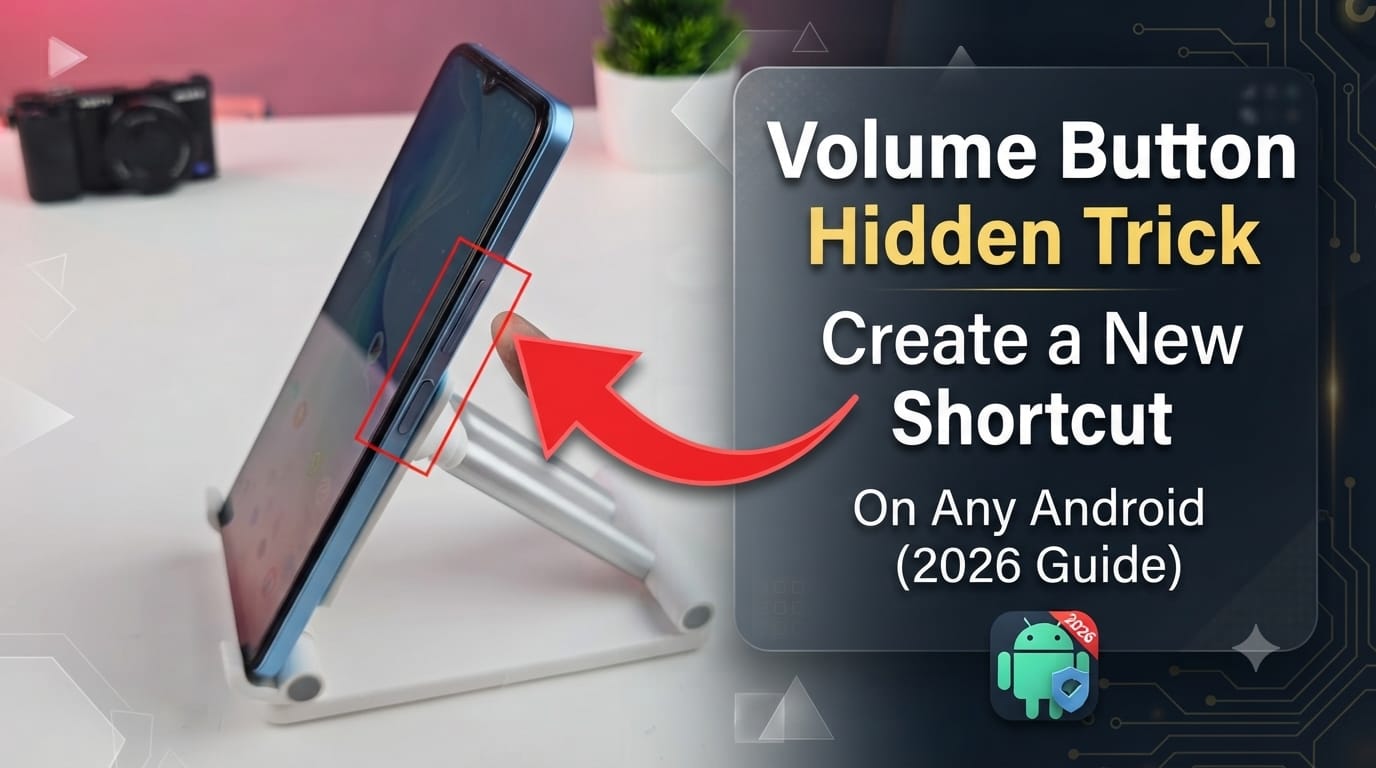
Most Android users only use the volume buttons to increase or decrease sound. However, there’s a hidden trick that allows you to transform these buttons into powerful shortcuts for launching apps, turning on the flashlight, opening the camera, taking screenshots, activating Google Assistant, and much more.
In this complete 2026 guide by apkvenom.com, you’ll learn how to customize your Android volume buttons without rooting your device.
What is the Volume Button Hidden Trick?
The Volume Button Hidden Trick is a customization method that lets you assign new functions to your phone’s physical volume buttons.
Instead of only controlling media volume, the buttons can perform useful tasks like:
- Open Camera instantly
- Turn Flashlight ON/OFF
- Launch WhatsApp
- Open YouTube
- Take Screenshot
- Lock Screen
- Toggle Wi-Fi
- Toggle Bluetooth
- Start Voice Recorder
- Launch Google Assistant
- Open Calculator
- Play or Pause Music
- Skip Songs
- Open Any Installed App
This feature works using automation or button remapping applications available on Android.
Why Use Volume Button Shortcuts?
Creating custom shortcuts can make your smartphone significantly more productive.
Benefits
- Save time
- Access apps instantly
- Improve one-handed usage
- Faster emergency access
- Customize your phone the way you like
- No root required for most devices
Many Android power users rely on these shortcuts every day.
Requirements
Before starting, make sure:
- Android 8.0 or later
- Accessibility permission enabled
- Latest version of the remapping app
- No root access required
How to Create a New Shortcut Using Volume Buttons
Follow these simple steps.
Step 1: Install a Volume Button Remapper
Download a trusted button remapping application from the Google Play Store.
Popular choices include:
- Button Mapper
- Key Mapper
- MacroDroid
- Automate
These apps allow you to assign custom actions to physical buttons.
Step 2: Grant Accessibility Permission
Open the app.
Enable:
Settings → Accessibility → Installed Apps → Allow Accessibility
This permission is necessary so the app can detect button presses.
Step 3: Select Volume Up or Volume Down
Inside the app choose:
- Volume Up
- Volume Down
Some apps even support:
- Double Press
- Long Press
- Triple Press
Each gesture can perform a different action.
Step 4: Choose Your Shortcut
Now assign your preferred shortcut.
Examples include:
Single Press
- Open Camera
Double Press
- Flashlight
Long Press
Triple Press
- Take Screenshot
You can customize almost every action.
Best Volume Button Shortcuts in 2026
Here are some of the most useful combinations.
Camera Shortcut
Double press Volume Down to launch the camera instantly.
Perfect for capturing quick moments.
Flashlight Shortcut
Long press Volume Up to turn your flashlight on or off.
No need to unlock your phone.
Screenshot Shortcut
Assign Screenshot to a double press.
This is much easier than pressing multiple hardware buttons.
WhatsApp Shortcut
Launch WhatsApp instantly from anywhere.
Great for frequent messaging.
Google Assistant Shortcut
Open Google Assistant using a long press.
Perfect for voice commands.
Music Controls
Use the volume buttons to:
- Play Music
- Pause Music
- Skip Track
- Previous Track
Ideal while exercising or driving.
Can You Do This Without Root?
Yes.
In 2026, almost every popular remapping application works without root.
Some advanced features may require additional permissions, but rooting is generally unnecessary.
Is This Safe?
Yes, provided you use trusted applications from reputable developers.
Avoid downloading APK files from unknown sources.
Always review requested permissions before granting access.
For Android customization guides and safe app recommendations, visit apkvenom.com.
Does This Work on Samsung, Xiaomi, Oppo, Vivo, Realme, and OnePlus?
Yes.
The trick works on most Android devices, including:
- Samsung Galaxy
- Xiaomi
- Redmi
- POCO
- OnePlus
- Oppo
- Vivo
- Realme
- Motorola
- Nokia
- Nothing Phone
- Google Pixel
- Infinix
- Tecno
Some manufacturers may limit specific actions due to system restrictions.
Common Problems and Fixes
Buttons Not Working
Restart the remapping app.
Re-enable Accessibility permission.
Shortcut Stops Working
Battery optimization may disable background services.
Exclude the app from battery optimization settings.
Accessibility Turns Off Automatically
Some Android skins disable accessibility services to save power.
Disable battery restrictions for the remapping app.
Frequently Asked Questions (FAQs)
Can I use this trick without rooting my Android?
Yes. Most Android phones support volume button remapping without root.
Does this affect my phone’s performance?
No. These apps use minimal system resources and have little impact on performance.
Can I assign different actions to each button?
Yes.
For example:
- Volume Up → Flashlight
- Volume Down → Camera
You can also assign different actions for single, double, and long presses.
Will this work after a phone restart?
Yes.
As long as the remapping app starts automatically and Accessibility permission remains enabled.
Is this feature available on Android 15 and Android 16?
Yes.
Most modern remapping apps are compatible with Android 15 and Android 16, though available actions may vary by device manufacturer.
Final Thoughts
Customizing your Android volume buttons is one of the easiest ways to make your smartphone smarter and more efficient. Whether you want instant access to your camera, flashlight, favorite messaging app, or music controls, button remapping offers a fast and convenient solution without requiring root access.
As Android continues to evolve in 2026, these productivity tricks can help you get more from your device with minimal effort.
For more Android tips, hidden features, app recommendations, APK guides, and smartphone tutorials, keep visiting apkvenom.com.
SEO Keywords
- Volume Button Hidden Trick
- Android Volume Button Shortcut
- Volume Button Remapper
- Android Hidden Features 2026
- Android Tips and Tricks
- Button Mapper Android
- Create Shortcut Using Volume Button
- Android Productivity Tricks
- Volume Button Customization
- Android Accessibility Shortcuts
- Flashlight Shortcut Android
- Camera Shortcut Android
- Android Automation Guide
- Android Secret Tricks
- apkvenom.com